Computer Accessories Quality Inspection: What Importers Need to Verify Before Every Shipment

Computer accessories quality inspection is the difference between catching a $0.15 component substitution at the factory and discovering it six months later through a wave of warranty claims. As internal architecture on motherboards, GPUs, and power supplies gets denser and more tightly toleranced, the margin for a missed defect keeps shrinking. For importers buying at scale, a missed defect costs far more than the inspection would have.
Why Computer Accessories Quality Inspection Matters More at Scale

A single faulty batch can derail a product launch, and the cost of catching that batch late follows a predictable curve. A defect caught during production typically costs around $1 to fix; the same defect caught at the warehouse runs closer to $10; once it reaches the customer, the number jumps to roughly $100 once you factor in returns processing, support overhead, and replacement units. This is often called the 1-10-100 rule, and it holds up consistently across electronics categories.
That $100 figure is really shorthand for something broader: the Total Cost of Quality (TCQ) includes every cost that inspection prevents. Customer support overhead from a spike in complaint tickets. Warranty processing and replacement shipping. The disposal cost of electronic waste when a returned unit can’t be resold. None of these show up on the inspection invoice, but they show up somewhere, and they’re almost always larger than the invoice was.
There’s a second cost that doesn’t show up on any invoice at all: brand equity. A buyer who receives a reliable mechanical keyboard or a stable SSD becomes a repeat customer. A “dead on arrival” unit, on the other hand, tends to generate a review that stays indexed for years. Consistent inspection is what keeps that experience predictable across every SKU, not just the units your team happens to test by hand.
The Four Stages of a Computer Accessories Inspection Program
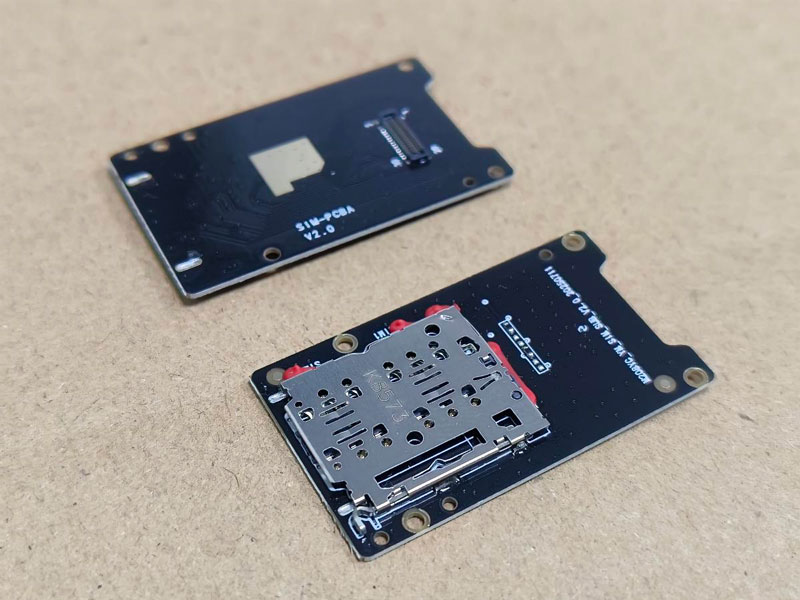
Treating inspection as a single checkpoint near the end of production misses most of the value. A structured program spreads verification across four stages, each catching a different category of problem.
Pre-Production Inspection (PPI) happens before assembly lines start moving. Inspectors verify raw materials and incoming components – the grade of plastic resin for casings, the specification match on integrated circuits. Factories under cost pressure sometimes substitute cheaper materials before anyone downstream notices, and catching a substitution here costs nothing compared to catching it in a finished unit.
During-Production Inspection (DPI) takes place once 20% to 40% of the order is complete. This is where systemic assembly errors surface – a station consistently misplacing a ribbon cable, or stripping a screw thread on the same model every time. Fixing a station-level problem mid-run is inexpensive; discovering it after the full order is packed is not.
Pre-shipment Inspection (PSI) happens once 100% of goods are produced and at least 80% are packed. Inspectors pull samples according to an AQL (Acceptable Quality Level) standard and run them through both visual and functional checks.
For orders shipping in mixed containers, a Container Loading Supervision step confirms the right SKUs, in the right quantities, actually go into the container – a surprisingly common failure point that has nothing to do with product quality and everything to do with logistics.
What Gets Checked, Component by Component
Computer hardware covers several categories, each with its own failure modes. Generic pass/fail checklists tend to miss the vulnerabilities specific to a given component type, which is part of why third-party product testing programs are usually built around product-specific protocols rather than a single universal form.
Core Computing Components
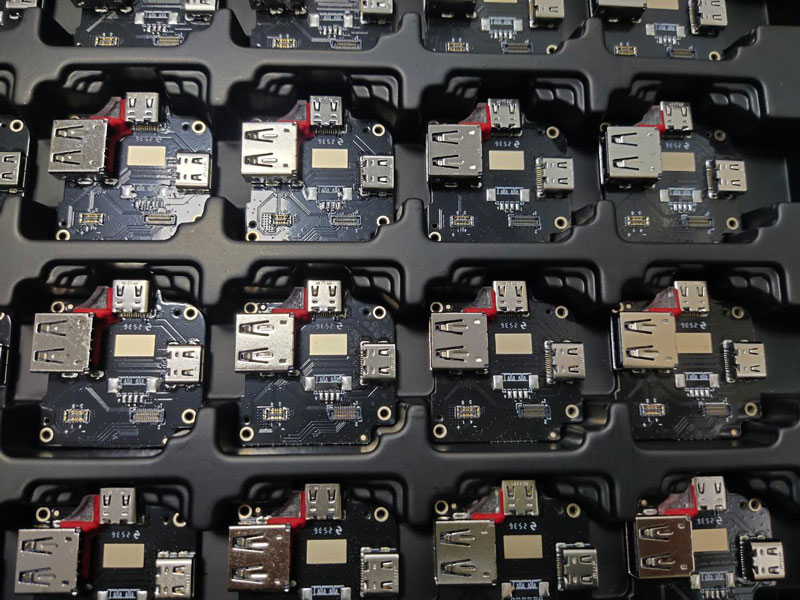 Core computing components carry the highest technical complexity. On motherboards, inspectors check PCB integrity and the precision of SMT (surface mount technology) placement, using magnification to catch cold solder joints or bridging that a visual scan would miss. On graphics cards, the checks go beyond a basic power-on test. Inspectors verify thermal paste application, heatsink alignment, and consistency in the VRAM chips actually used on the board – a category where suppliers sometimes swap in a cheaper memory brand than the one specified. For SSDs and memory modules, verifying controller firmware versions and confirming NAND flash authenticity matters, because “B-grade” or refurbished chips can pass a basic function test and still fail early in the field.
Power Supplies and Thermal Systems
Power supplies and thermal systems carry the highest safety risk in the category. PSU inspection typically involves high-voltage “Hi-Pot” testing and ripple noise analysis to confirm stable DC output. A PSU that passes a casual power-on check can still have inadequate insulation that only shows up under stress. Cooling systems get evaluated for fan bearing longevity, measured in MTBF (mean time between failures), and for the seal integrity on liquid cooling loops, where a slow leak might not appear until a unit has been running for weeks. Packaging that houses these components should also hold up to transit stress – testing against the ISTA 1A standard drops packed units from specified heights and angles to simulate the handling they’ll actually receive in international freight.
Peripherals and the Accessories Check
Peripherals get less attention in most programs, which is a gap worth closing. Keyboards involve keycap pull-force testing and switch actuation consistency, measured in grams of force, along with RGB lighting uniformity where applicable. Monitors get checked for dead, stuck, or dim pixels, along with backlight bleed and color accuracy using a colorimeter rather than eyeballing it. Just as important – and easy to skip – is confirming that every bundled accessory is actually present and functional: the charging cable, the extra switches, the printed instruction sheet. A unit that passes every functional test but ships without its charger still generates a return.
Reliability and Compatibility Testing
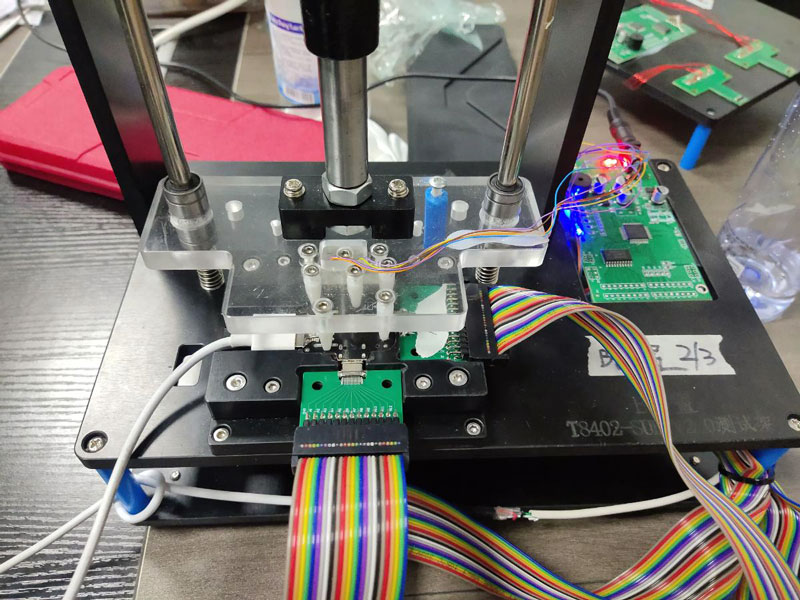 A visual and functional pass doesn’t guarantee a product survives real-world use, which is why credible programs add two layers of stress testing on top of the component checks above.
Burn-in testing runs electronics at high loads for 24 to 72 hours straight. This identifies units likely to suffer “infant mortality” failure – a well-documented phenomenon in semiconductor devices where a defective unit fails within its first days of use rather than gradually over months. Catching that failure mode during inspection means it never reaches a customer’s desk.
Functionality and software compatibility checks matter for anything with firmware or an operating-system dependency. For hardware like USB-C docks or external GPUs, inspectors verify compatibility across the operating systems your customers actually use – Windows 11, macOS, and relevant Linux distributions – and confirm “Plug and Play” responsiveness on each. Firmware versions get checked against your approved specification, since a factory shipping an older or unapproved firmware build is a common way for compatibility issues to slip through undetected.
The Standards Behind a Credible Checklist
Subjective “looks fine to me” judgments don’t scale across factories or inspectors, which is why credible programs anchor their checklists to published standards rather than internal opinion. IPC-A-610 is the standard most widely used for judging the acceptability of electronic assemblies. It defines the visual criteria for solder joints, component orientation, and PCB cleanliness that inspectors reference during motherboard and PCB checks. IEC 62368-1 covers safety requirements for audio, video, and IT equipment, having replaced the older 60950-1 standard, and it’s the backbone of the Hi-Pot and insulation testing done on power supplies. Environmental compliance runs through EU RoHS Directive restrictions, verified on-site using handheld XRF (X-ray fluorescence) scanners that check for lead, mercury, and cadmium without needing to destroy the sample. Products destined for humid or coastal markets also go through salt spray testing, confirming that USB ports, HDMI connectors, and metal chassis parts won’t corrode prematurely.
Defects found during any of these checks get classified into three tiers, which is what lets a buyer make a fast, consistent pass/fail call instead of debating severity case by case:
| Defect Category | Definition | Examples in Computer Accessories |
|---|---|---|
| Critical | Potential safety hazard or total failure to meet regulations | PSU short circuits, battery swelling, non-compliance with RoHS |
| Major | Functional failure that renders the product unusable | Non-responsive keys, dead pixels on a monitor, SSD read/write failure |
| Minor | Cosmetic or minor assembly issues that don’t affect use | Slight scratches on the underside, minor color variance, box dents |
A critical defect usually halts the shipment outright. A major defect blocks it pending rework. A minor defect gets noted but rarely stops the order on its own – this tiering is what an AQL sampling plan is built around, and it’s a good conversation to have with your electrical and electronic product inspection partner before the first order ships, not after a dispute comes up.
Two Inspections, Two Different Failure Modes
A gaming peripheral brand importing 50,000 high-end docking stations is a useful example of what a destructive teardown catches that a surface check won’t. AQI SERVICE’s engineering team, during a routine inspection, opened sampled units and found the factory had substituted the specified Japanese-made capacitors for a lower-rated alternative – a $0.15-per-unit saving on the factory’s side. The client held the shipment. Had those units reached the market, field failure within six months was the likely outcome, with an estimated $1.2 million in recall costs and warranty claims attached to that scenario.
A different retailer sourcing 10,000 units of 1TB NVMe SSDs from a new supplier faced a subtler risk. Initial samples had performed well, but the buyer was concerned about spec-downgrading during mass production – a supplier quietly using inferior NAND or a slower controller once the sampling phase was behind them. AQI SERVICE ran the Final Random Inspection once 100% of goods were produced and at least 80% were packed, and used on-site diagnostic software to verify actual read/write performance against the approved specification, not just packaging and cosmetics. The two cases point to the same lesson from different angles: a factory that passes samples with flying colors can still cut corners once volume production starts, and the only way to know is to check the units that actually ship.
Digital Tools Making Inspection More Reliable
Inspection is increasingly data-driven rather than clipboard-and-camera. Automated Optical Inspection (AOI) uses high-speed cameras at the factory to compare every PCB against a “golden sample,” catching microscopic defects that a human eye is likely to miss on a fast-moving line. On the reporting side, cloud-based quality dashboards let buyers review inspection results in real time – high-resolution photos, thermal imaging video, and digitally signed reports – which turns “accept or reject” from a days-later phone call into a same-day decision.
Building Computer Accessories Quality Inspection Into Your Sourcing Process
The pattern in both case studies above isn’t unusual – it’s the reason inspection needs to be a recurring checkpoint rather than a one-time gate at the start of a supplier relationship. A factory that performs well on order one has every incentive to hold that standard on order fifty, but incentive isn’t verification. Pairing inspection with a periodic factory audit gives you visibility into whether the production line itself – not just the sampled units – is still operating the way it did when you approved the first shipment.
If you’re setting this up for the first time, the practical starting point is a short conversation about which of your SKUs carry safety risk (anything with a PSU or battery), which carry functional risk (anything with firmware or moving parts), and which carry mostly cosmetic risk (cases, cables, packaging). That triage decides where FRI sampling should be tightest and where a lighter check is genuinely sufficient. Get this allocation right and you catch the $0.15 substitution at the factory, before it turns into a $1.2 million recall.
Author: AQI Service as a professional quality control service company in China specialized in providing a complete range of quality inspection and testing certification services in China & Asia for global importers, buyers, retailers, and sellers.